Turn Burned-in Subtitles into Editable Text
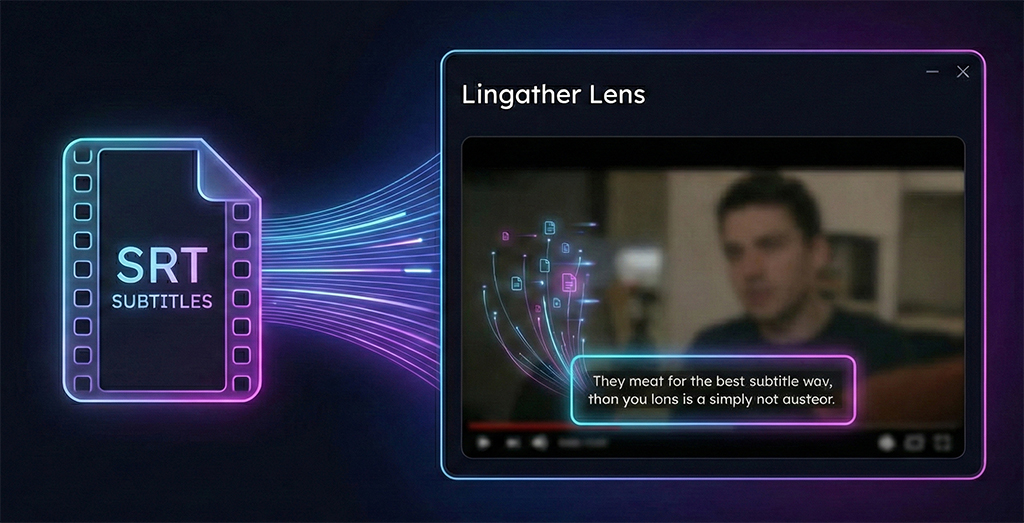
Powered by the Subtitles OCR tool: detect hardcoded captions, translate instantly, and export clean SRT/VTT—all processed locally for privacy.
Supported Languages
Zero Uploads
No server-side processing. Your media never leaves your device.
Blazing Fast
Instant results powered by your own hardware. No queue, no latency.
Batch Processing
Queue multiple files at once. Auto-process entire seasons or playlists.
Unlimited Scope
Process videos of any length or file size. No artificial restrictions.
How to Extract Hardcoded Subtitles from Video
Extracting subtitles from video has never been easier. Follow these simple steps to convert burned-in captions into editable text files.
Import Video
Drag and drop your video file directly into Lingather Lens. We support all major formats including MKV, MP4, and MOV with no file size limits.
Select Region
Draw a selection box around the subtitle area. This focuses the OCR engine on the relevant text, ensuring higher accuracy and faster processing.
Export Subtitles
Once processing is complete, export your subtitles as SRT, VTT, or TXT files. You can now translate, edit, or repurpose your content easily.